
Invoices that pass the check, and books that add up.
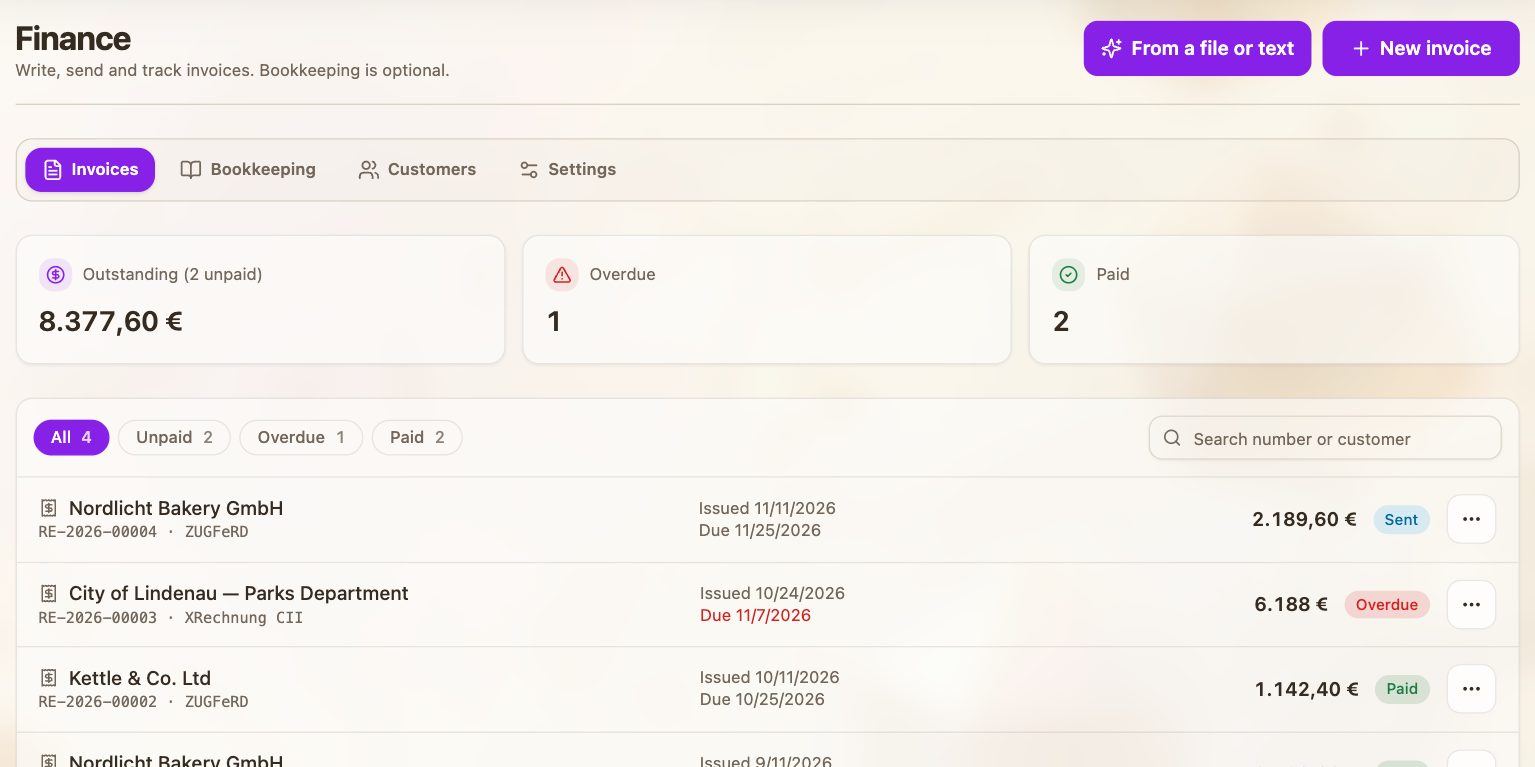
Keep accounts and transactions, issue e-invoices in XRechnung or ZUGFeRD that are validated before anyone sees them, and let recurring invoices issue and send themselves — in one app.
What it does
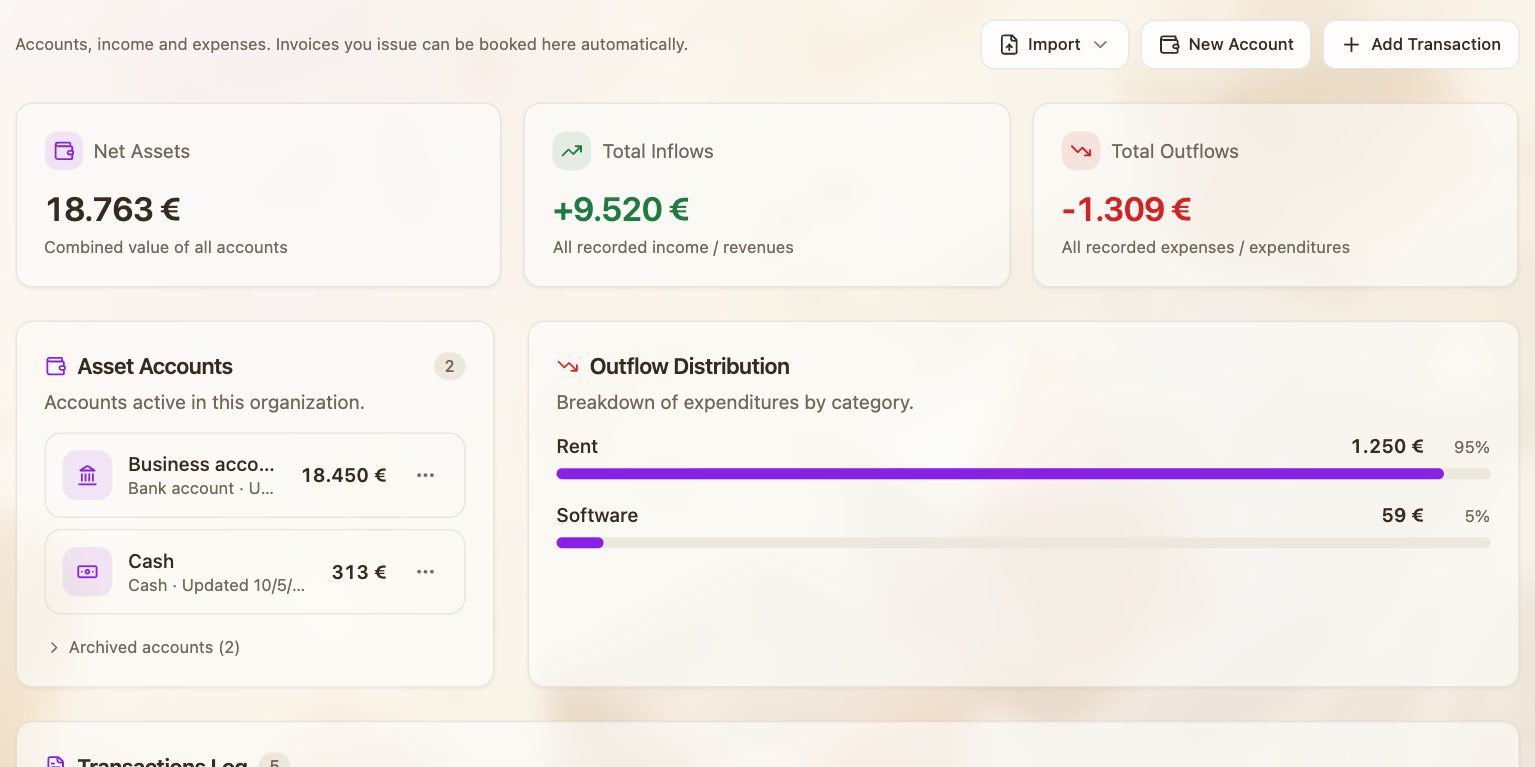
Accounts and transactions
Book income and expenses into accounts, with categories, line items and attachments. Archive an account you no longer use and bring it back later.
E-invoices in three formats
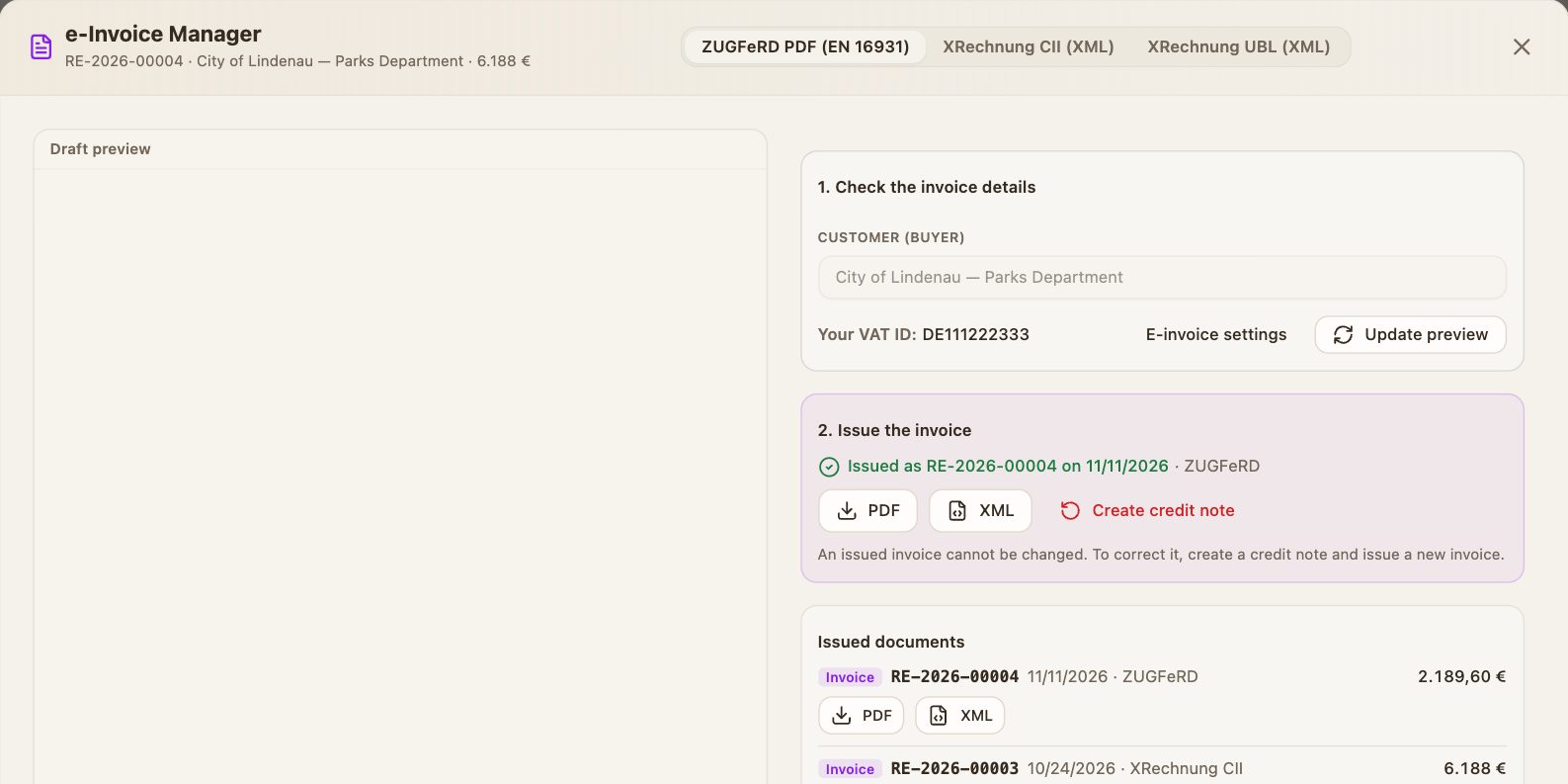
ZUGFeRD 2.3 / Factur-X (EN 16931) as a PDF/A-3b with the XML inside, and XRechnung 3.0 as CII or UBL. Numbers come from a gap-free series you define, such as RE-{YYYY}-{SEQ:5}.
Checked before it exists
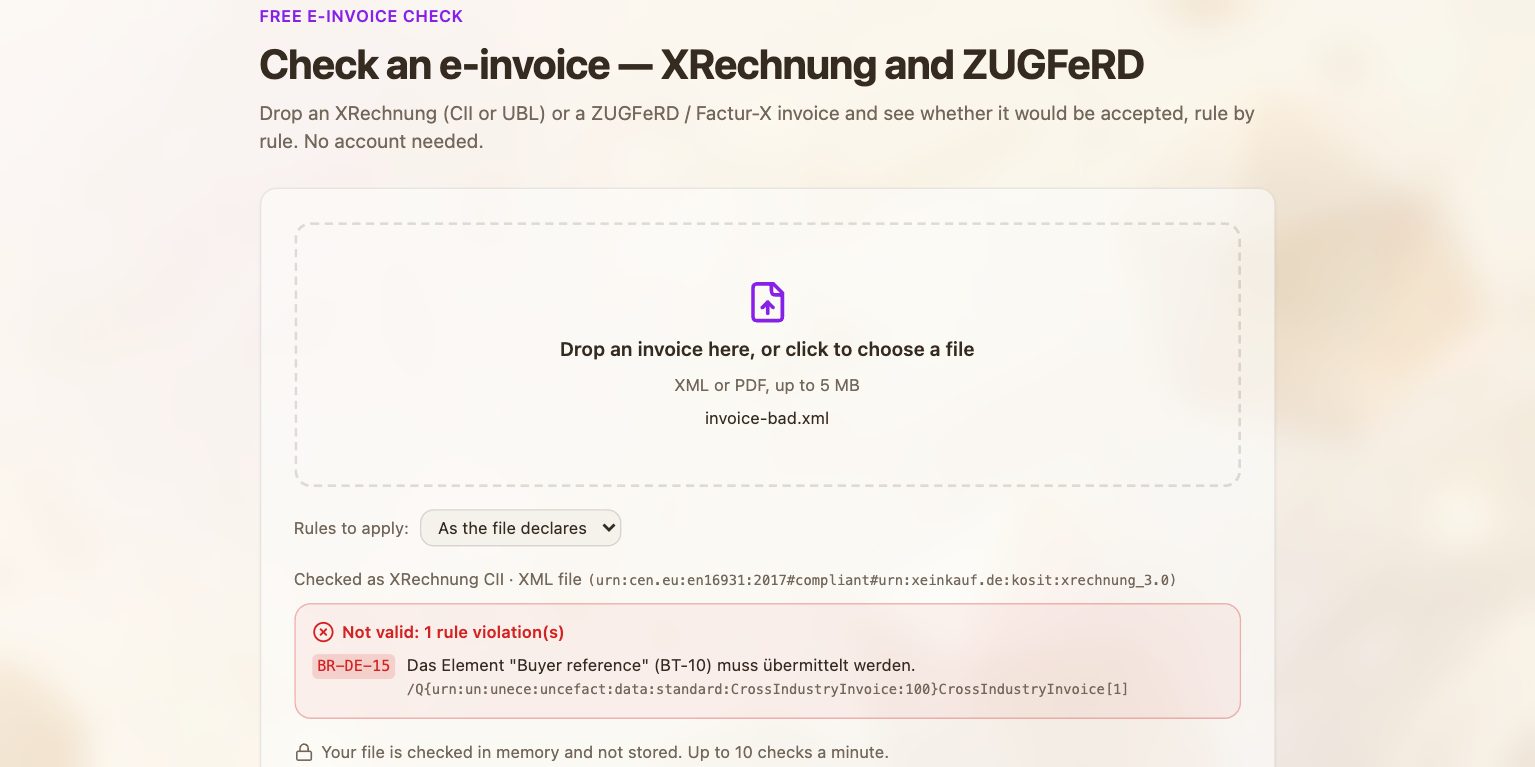
Every invoice is validated against the official XSD and the EN 16931, Factur-X and XRechnung schematron. One that fails is not issued, and you see the rule that failed.
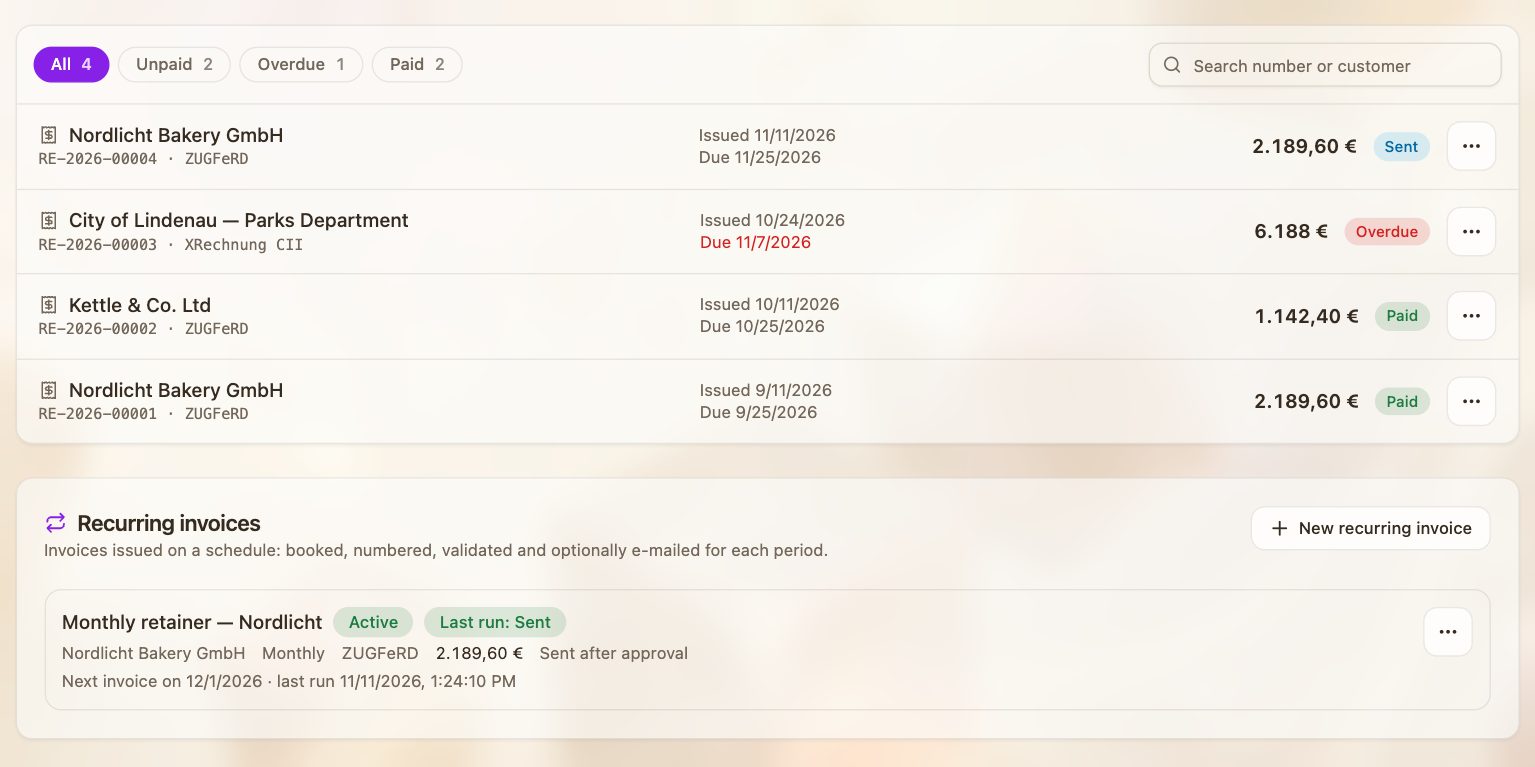
Recurring invoices
Weekly, monthly, quarterly or yearly schedules issue the invoice, book the income and send it — or queue it for a one-click approval. Missed runs are caught up, each period exactly once.
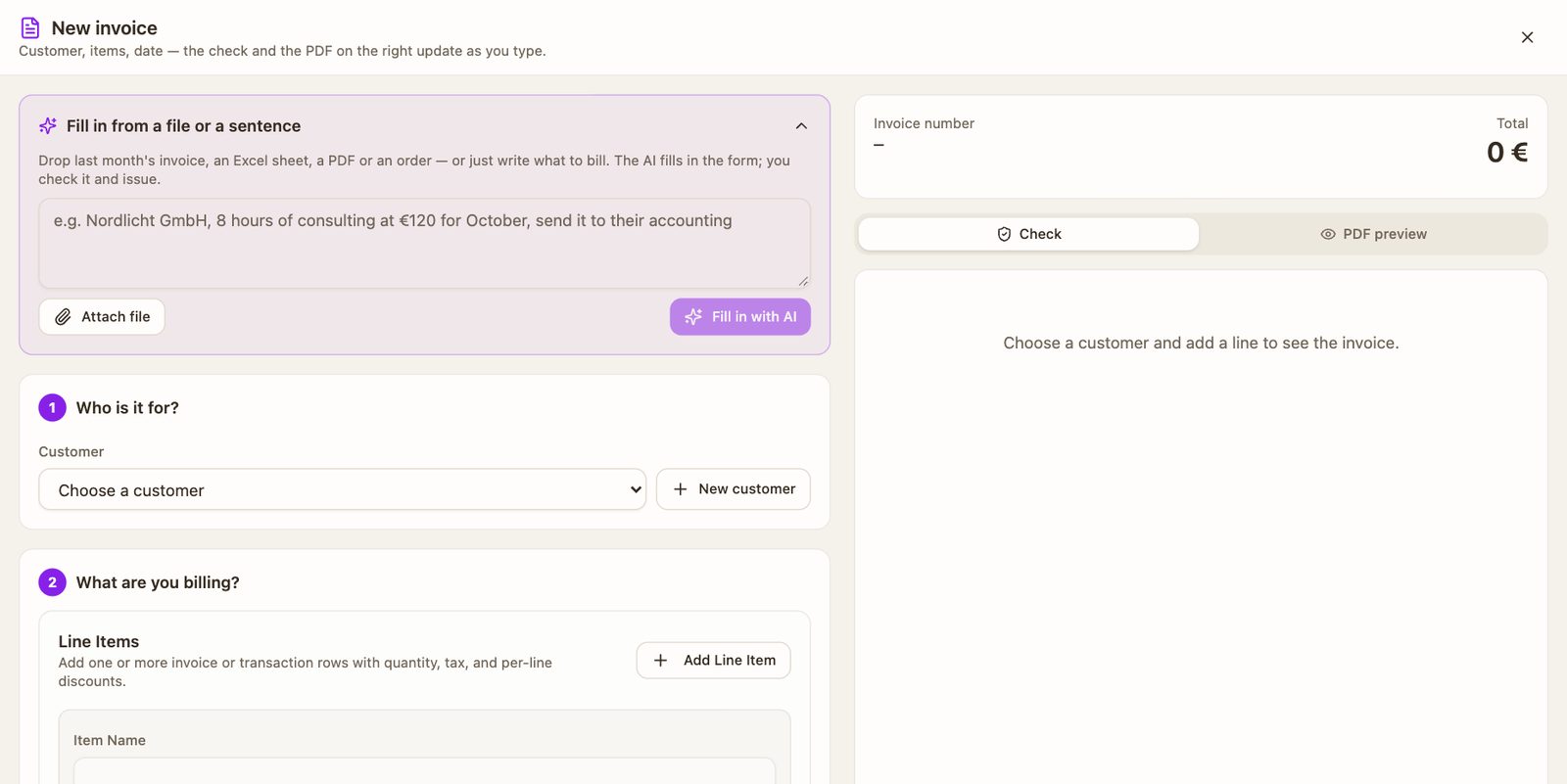
An invoice from a sentence
Write "Bill Nordlicht 8 hours of consulting at 120 € for October", or drop in last month's invoice or an order. AI fills in the editor; nothing is issued or sent until you click.
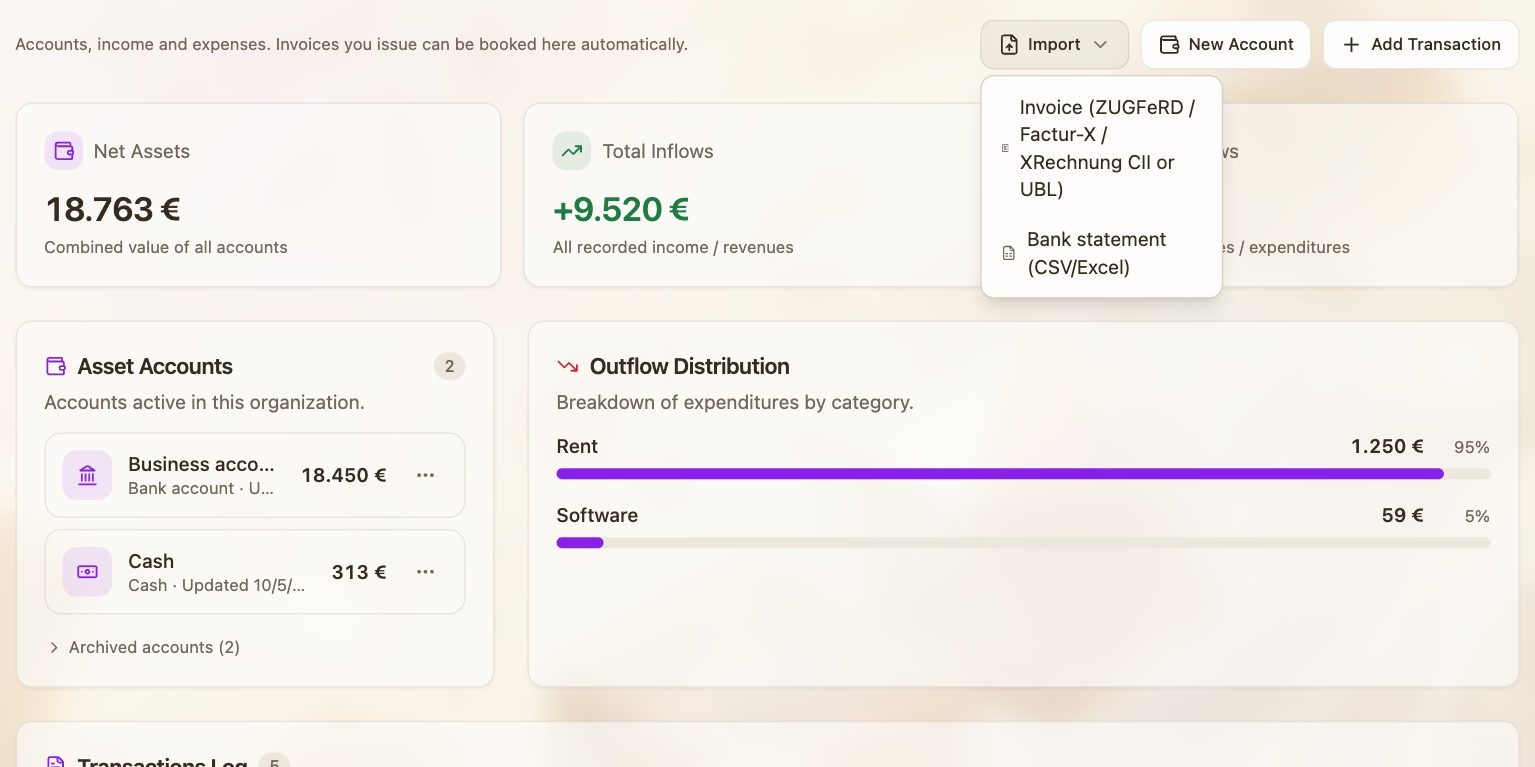
Import what you already have
Bank and bookkeeping exports as CSV or Excel, German formats included, with the columns guessed and shown for you to correct. Supplier e-invoices (CII or UBL) become transactions without retyping.
How to start
-
1
Create an account
Name it and pick its currency. Transactions are booked into it.
-
2
Add your company details
Seller name, address, VAT ID and bank details once, in the e-invoice settings, plus your number pattern.
-
3
Issue the first invoice
Pick or add a customer, add the lines, and issue. The PDF and XML are ready to download or send by email.
Articles
Guides to bookkeeping and e-invoicing.
sevdesk or Lexware Office alternative for e-invoices?
sevdesk and Lexware Office are full bookkeeping suites. If you mainly need valid XRechnung and ZUGFeRD invoices, a smaller tool may be enough.
How to check whether an e-invoice is valid
An e-invoice can open fine and still be rejected. How XRechnung and ZUGFeRD files are validated, what the common errors mean, and how to check a file for free.
XRechnung vs ZUGFeRD — which e-invoice format do you need?
Since 2025 German businesses must accept e-invoices. How XRechnung and ZUGFeRD differ, which to send to whom, and the deadlines for issuing.
Questions
Which e-invoice formats are supported?
ZUGFeRD 2.3 / Factur-X in the EN 16931 profile (PDF/A-3b with embedded XML), and XRechnung 3.0 in both syntaxes, CII and UBL. A Leitweg-ID can be set for public-sector buyers.
Can an invoice be sent without me seeing it?
Only if you choose so. Per schedule and for invoices issued by hand, sending is off, automatic, or queued for approval. An invoice that fails validation is never sent.
Can I correct an issued invoice?
An issued invoice keeps its number. To undo it, issue a credit note against it; it gets the next number from the series and refers to the original.
What does it cost?
Finance is part of every plan, including the free one. AI drafting uses your plan's AI allowance.
Send invoices that are right the first time.
Start free with one account. Your company details can come later.