
Write it from a template, keep every version, share it with a link.
Requirements and notes written from templates and saved as versioned Markdown, and spreadsheets your team edits together — with access set per role, in one app.
What it does
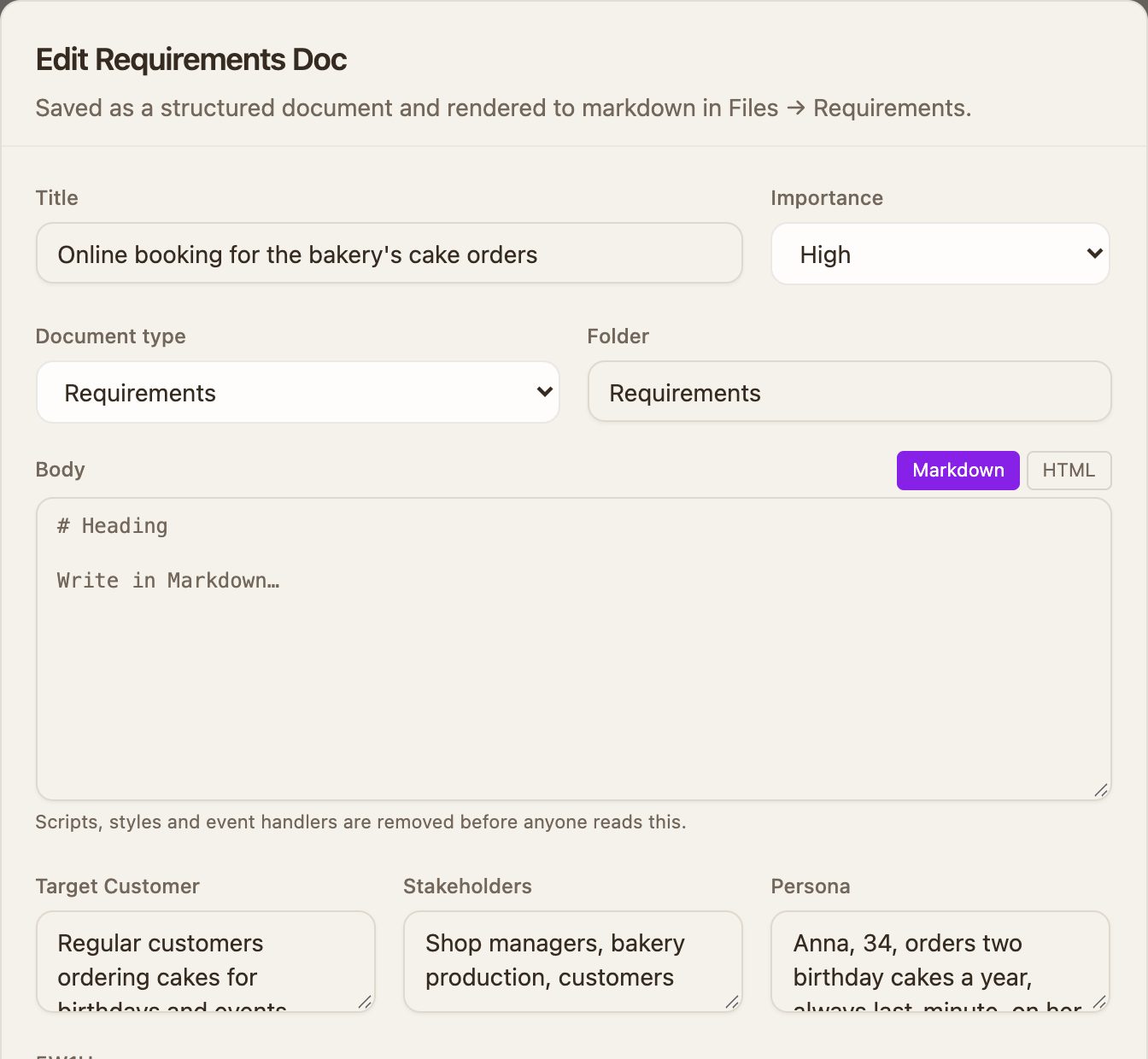
Templates, not blank pages
Requirements asks for the target customer, stakeholders, persona, 5W1H and functional and non-functional requirements, each with an importance. A Note is plain Markdown. The document is generated from the fields.
Every save is a version
Each save writes the rendered Markdown as a new version of a file in a folder, so the document can be downloaded and linked from a project or a task.
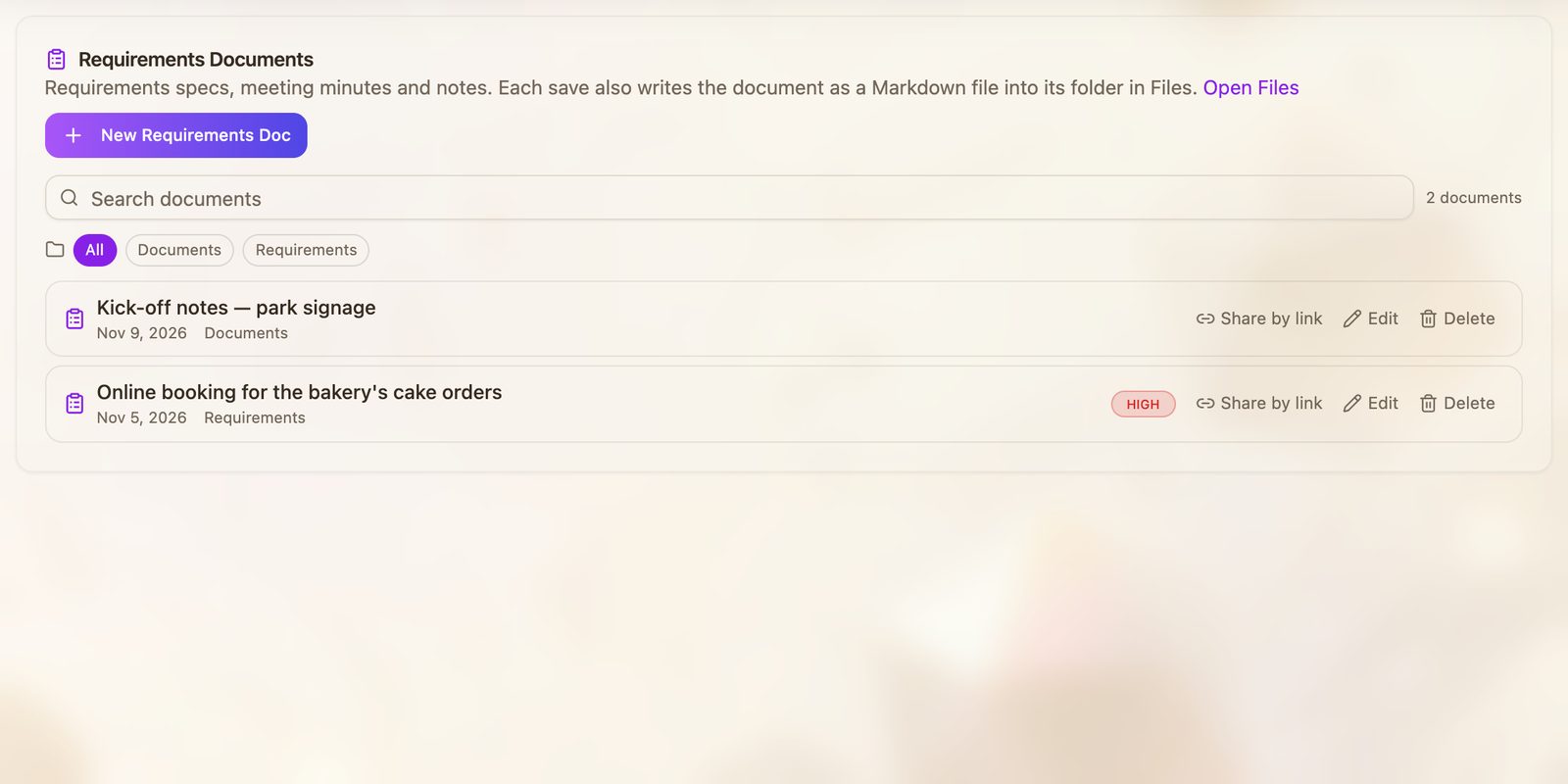
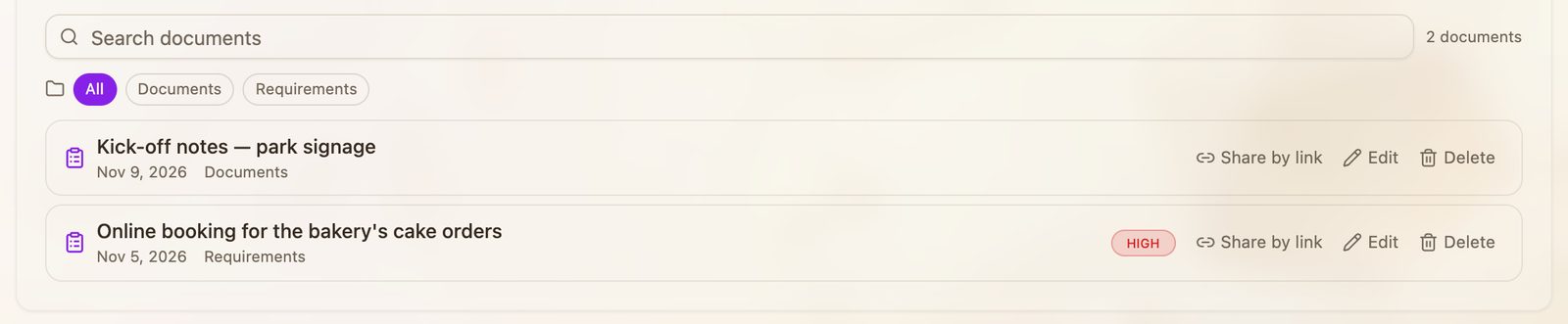
Share a read-only link
One click makes a link anyone can open without an account: a plain page, kept out of search engines. A new link replaces the old one, and unsharing stops it.
Spreadsheets for the team
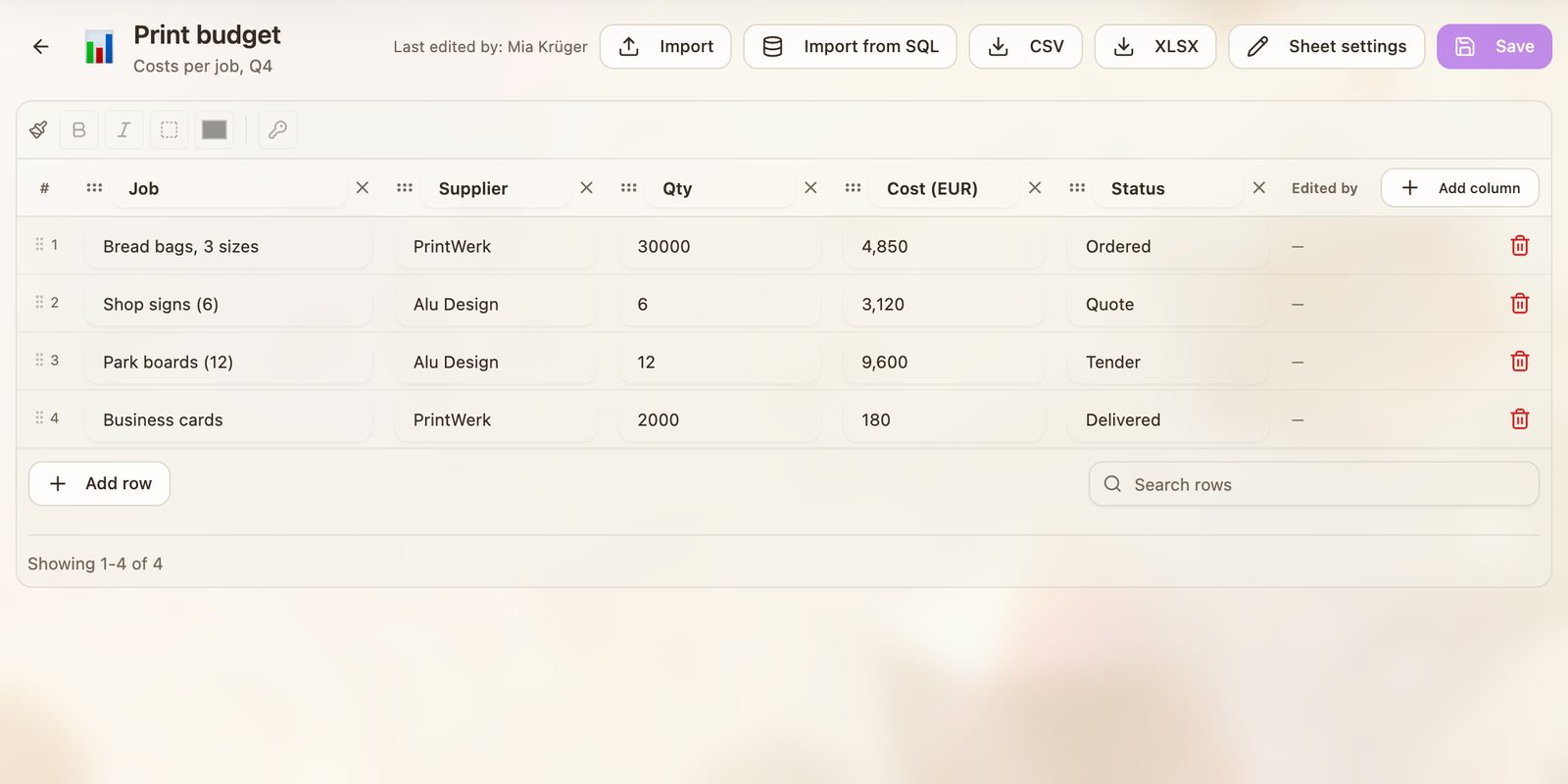
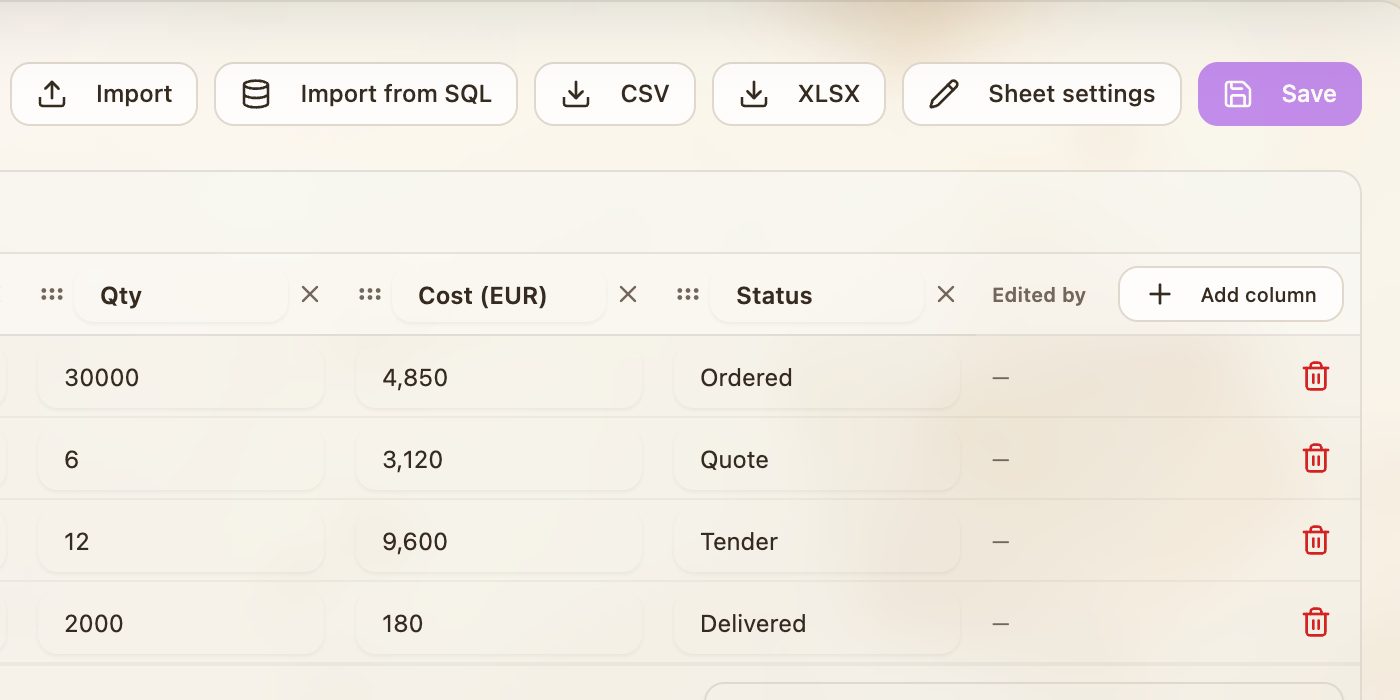
Columns and rows with text and border styles and column widths, filed in folders. A newer save by someone else is never overwritten, and you see who else has the sheet open.
In and out
Import .xlsx or .csv (up to 5,000 rows) with a preview and column mapping, export to CSV or Excel, or pull rows from your own PostgreSQL with a read-only query.
Access per role, credentials by name
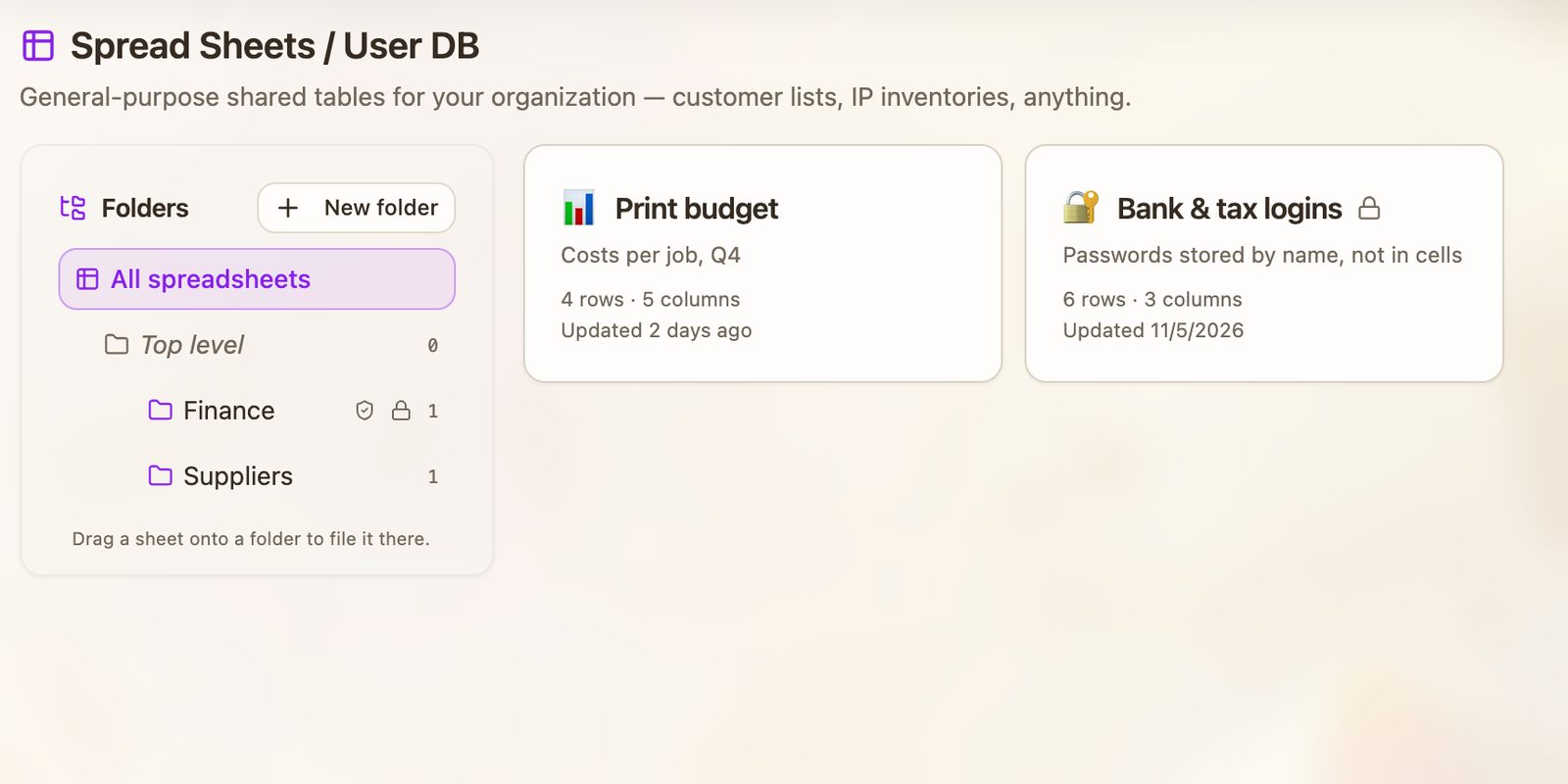
Who may read or edit a document or sheet is set per role, and a sheet or folder can be locked with a password. A cell can name a secret in the vault instead of holding it, so an export never carries the value.
How to start
-
1
Pick a template
Requirements or Note. The folder defaults to the template's own; choose another if you like.
-
2
Fill it in
Write in the fields. Anyone else who opens the document sees that you are editing it.
-
3
Share it
Send the read-only link, or give roles in your organisation access to read or edit.
Articles
Guides to documentation and working together.
Confluence alternative for requirements documents
Confluence is a team workspace for knowledge. If you mainly write requirements from a template and share read-only links, a smaller tool may be enough.
How to write a requirements document — with a template
A requirements document people read: target customer, stakeholders, persona, 5W1H, functional and non-functional requirements. Template inside.
Questions
Does a reader need an account?
Not for a shared link: it opens as a plain page. Writing, editing and spreadsheets are for members of your organisation.
What does it cost?
Docs is in every plan, including Free.
Can the SQL import change my database?
No. It runs one SELECT against a PostgreSQL connection your organisation's Admin set up, in a read-only session, with a 10-second timeout and a 1,000-row preview. It never queries ARCH-Insight's own database.
Where is the data kept?
ARCH-Insight is hosted in the EU.
Start with one document.
Pick a template and write. Share it when it is ready.