
Talk to your team and your customers from one place.
Mail, chat, support tickets and newsletters usually live in four tools. Comms puts them in one app on your ARCH-Insight account, so a customer's question, the team's discussion and the answer stay together.
What it does
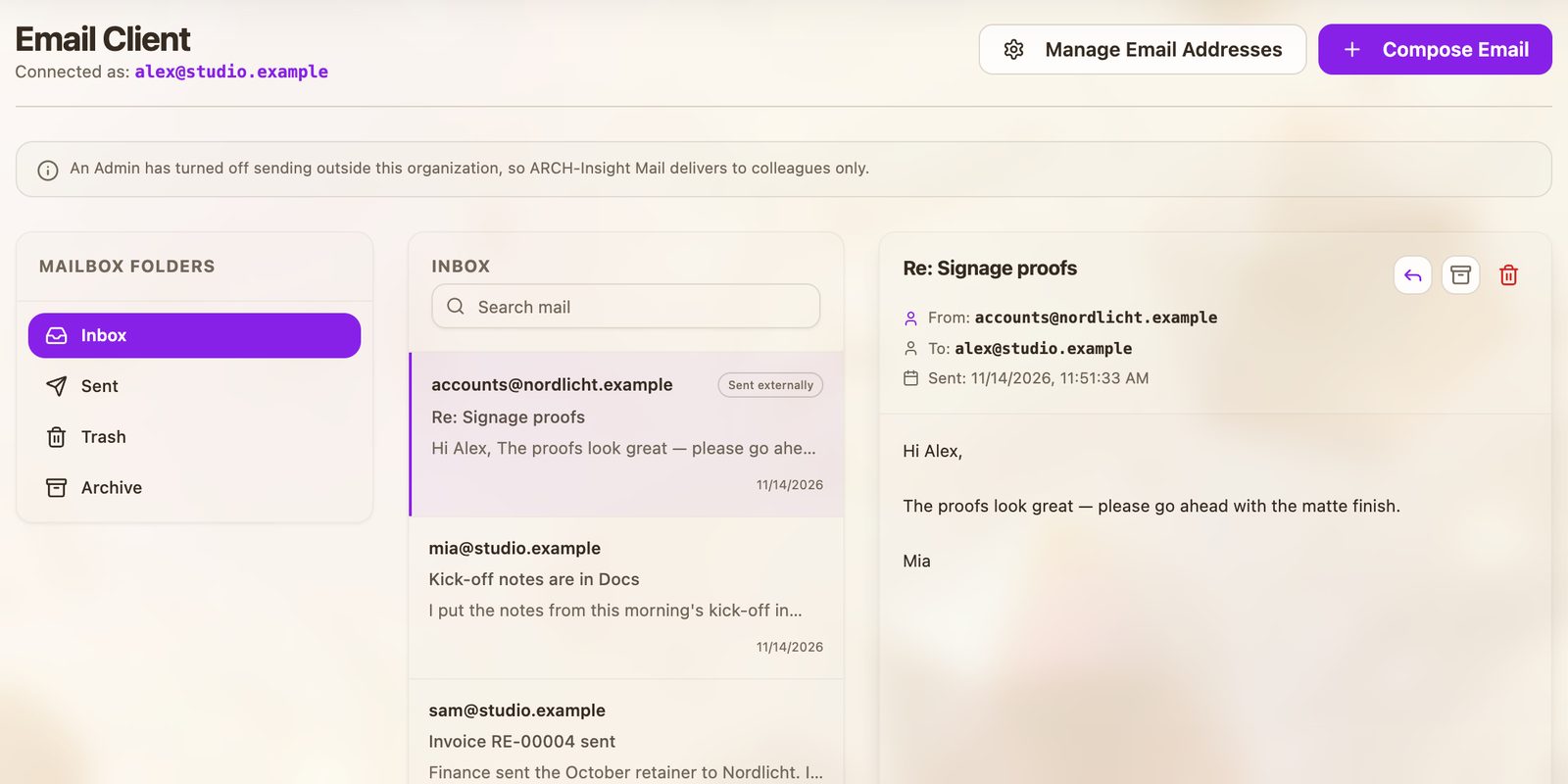
A mailbox for every member
Each member gets an address at your organisation and reads its mail in the app. Mail to people outside the organisation stays off until an admin turns it on and chooses which roles may send.
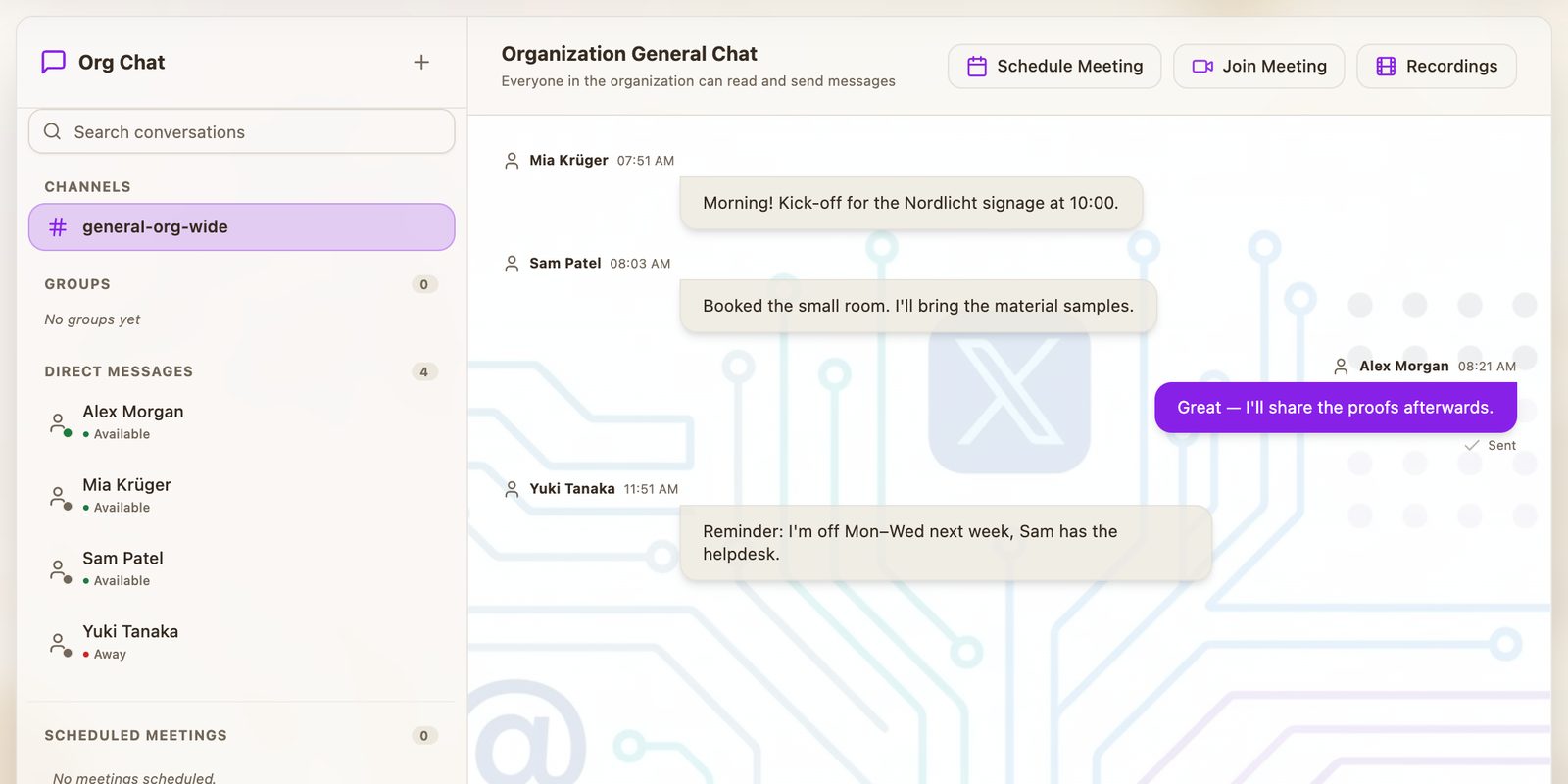
Team chat and meetings
Direct messages and groups, with reactions, read receipts and who is online. Schedule a meeting and join its video call (Jitsi Meet) from the chat.
A helpdesk your customers can reach
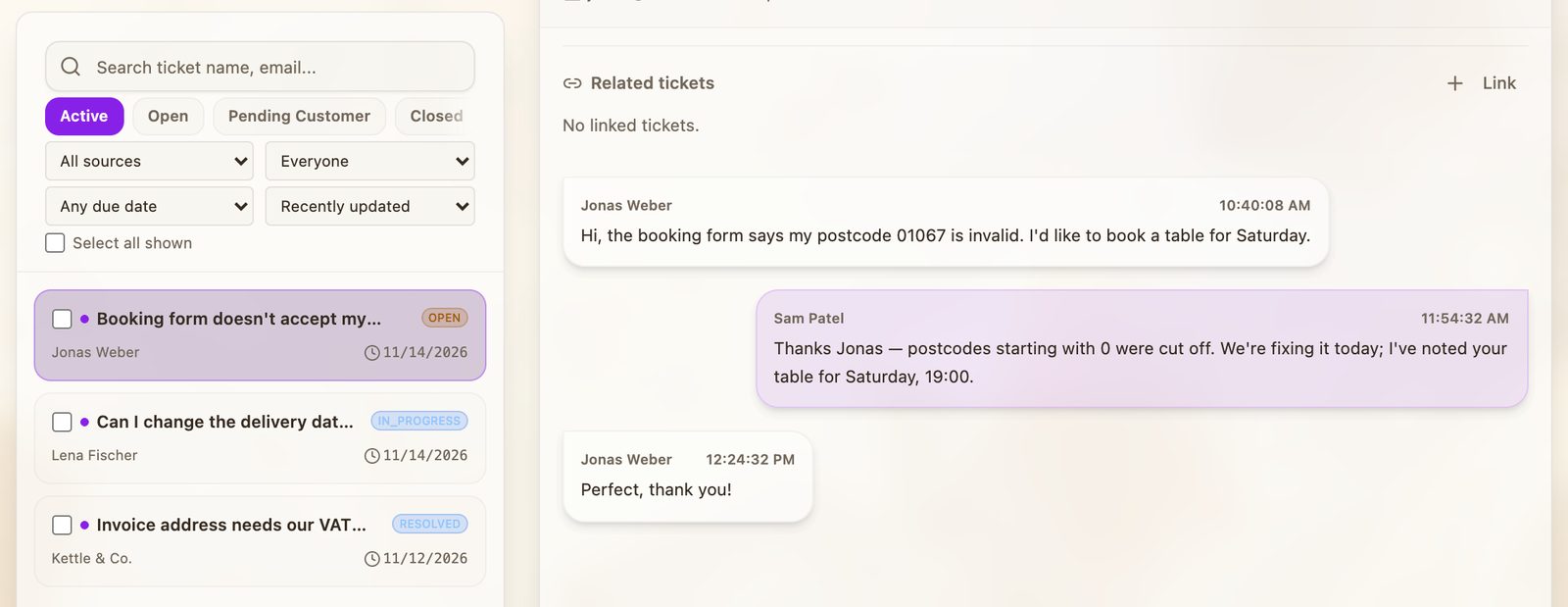
Customers open a ticket from a widget on your website, protected by Cloudflare Turnstile. They can answer your reply by email, and the answer lands on the ticket.
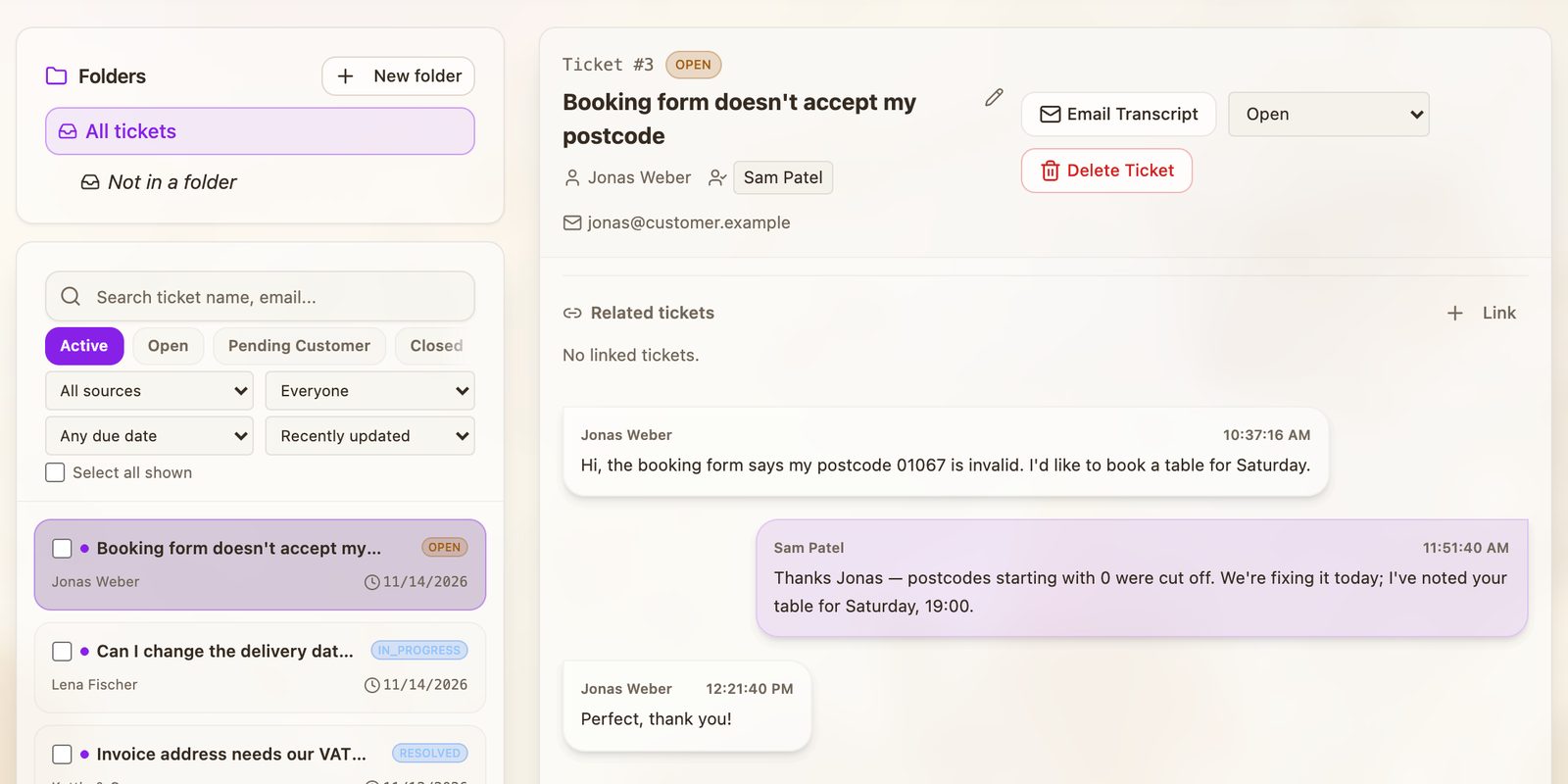
Tickets you can keep in order
Folders, assignees, statuses and due dates with reminders, linked tickets and pictures. Change the status of many tickets at once.
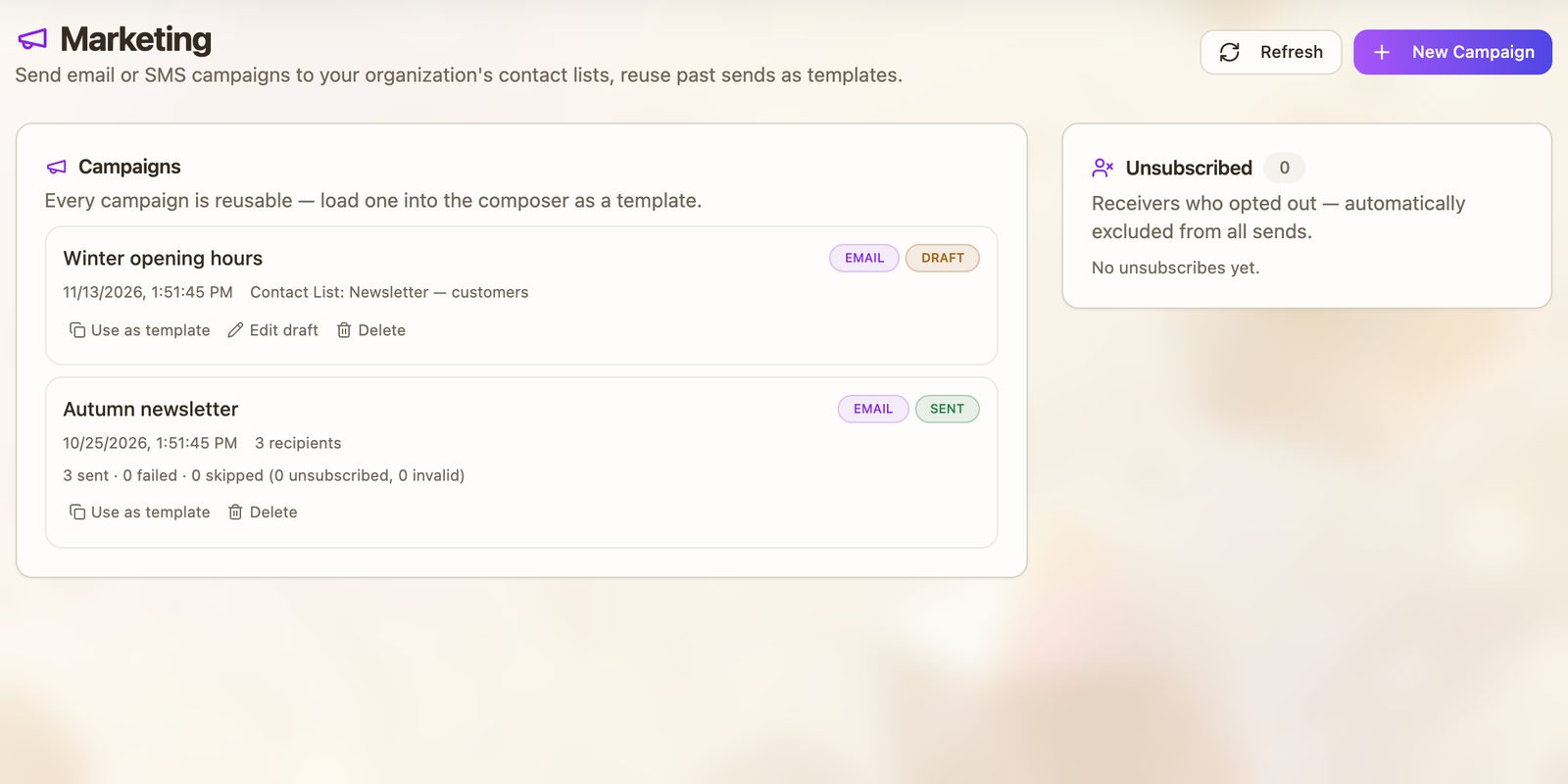
Email campaigns
Write a campaign, or let AI draft it in your organisation's branding. Preview it, send yourself a test, then send it to a list. Every message carries an unsubscribe link, and people who opted out are skipped.
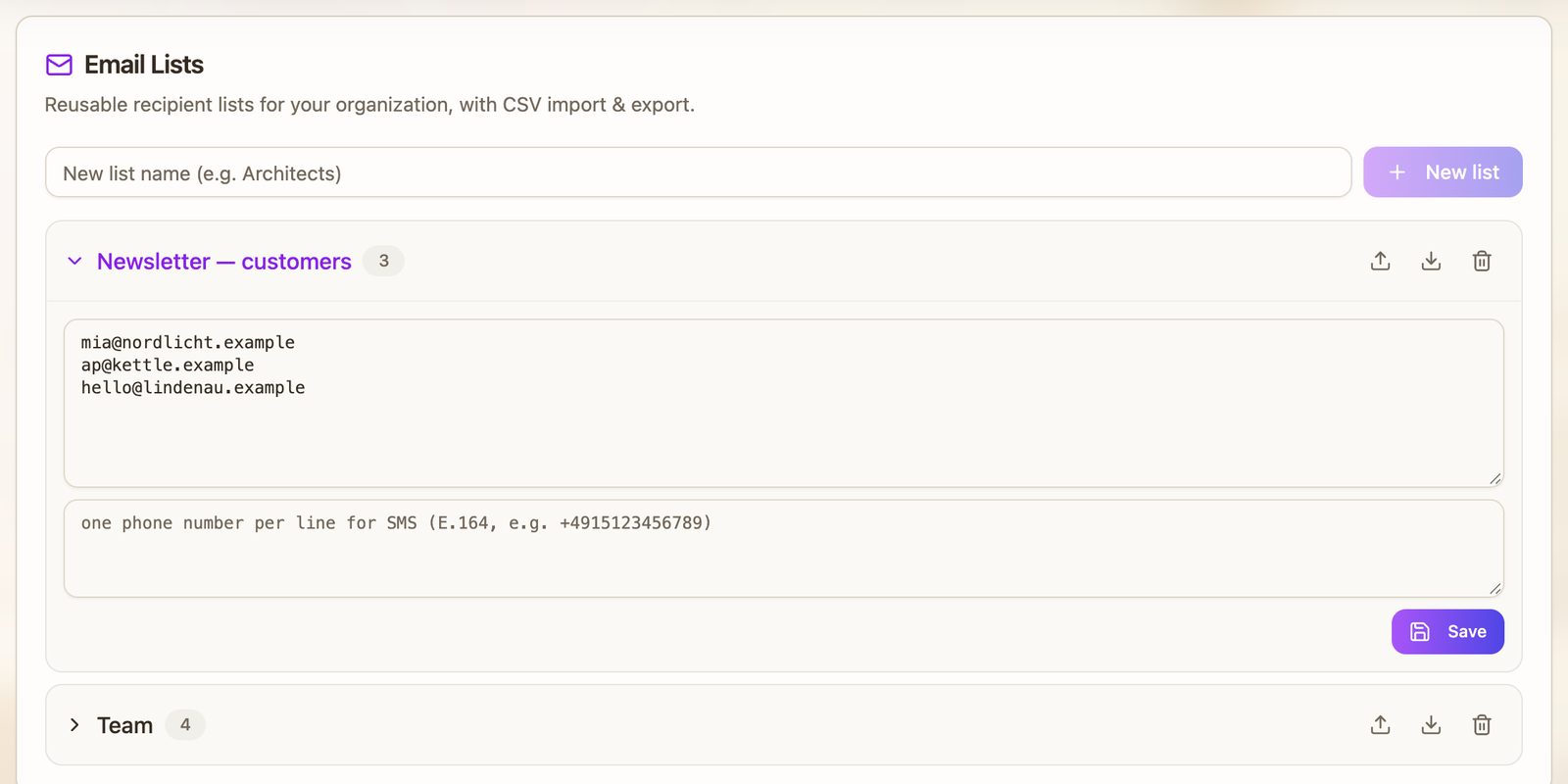
Lists you manage once
Email lists with addresses and phone numbers, imported from and exported to CSV. Campaigns send to them, and other apps of the toolbox can use them too, such as Monitor's alerts.
How to start
-
1
Open Comms
Sign in with your ARCH-Insight account. Your organisation's members are already there.
-
2
Add the widget
Copy the script tag from the helpdesk's settings onto your website. Tickets start arriving in the helpdesk.
-
3
Build a list
Import your contacts from CSV and send your first campaign, or a test to yourself.
Articles
Guides to team communication and customer support.
Add a helpdesk widget to your website in 5 minutes
Let customers open a support ticket from your website without an account and answer by email. What a small team needs and how to set it up.
Zendesk alternative for small teams — an honest look
Zendesk is a large AI-powered service platform. If you need a ticket widget, mail and team chat in one place, a smaller helpdesk may be enough.
Questions
Do I need my own mail server?
No. Members get addresses on ARCH-Insight's mail server. Sending to people outside your organisation is off by default; an admin turns it on and decides which roles may send.
What does it cost?
Comms is part of every plan, including Free. Campaigns are limited by recipients per month: 200 on Free, 2,000 on Standard and 20,000 on Pro.
Do my customers need an account?
No. They open a ticket from the widget on your website and can follow it and reply from the link and the emails they receive.
Where is the data kept?
ARCH-Insight is hosted in the EU. Mail, chat, tickets and lists are stored with your organisation's other data.
Bring the conversation into one place.
Start free. Add the helpdesk widget when you are ready.